
ALTERNATIVES
OptiSigns alternatives for restaurant menu boards
By Rune Breinholt Andersen · Updated November 19, 2026
OptiSigns is a flexible digital signage platform with a generous free plan and more than 100 apps. Restaurants use it for menus, but you still design every menu board by hand, and the free plan shows the OptiSigns logo on your screens. If your screens mainly show a menu, these OptiSigns alternatives may be simpler or cheaper. We are honest about when OptiSigns is still the better fit.
Full disclosure: we make MenuScreen, one of the tools on this list. Prices were checked on each vendor’s website or published price lists in November 2026 and can change.
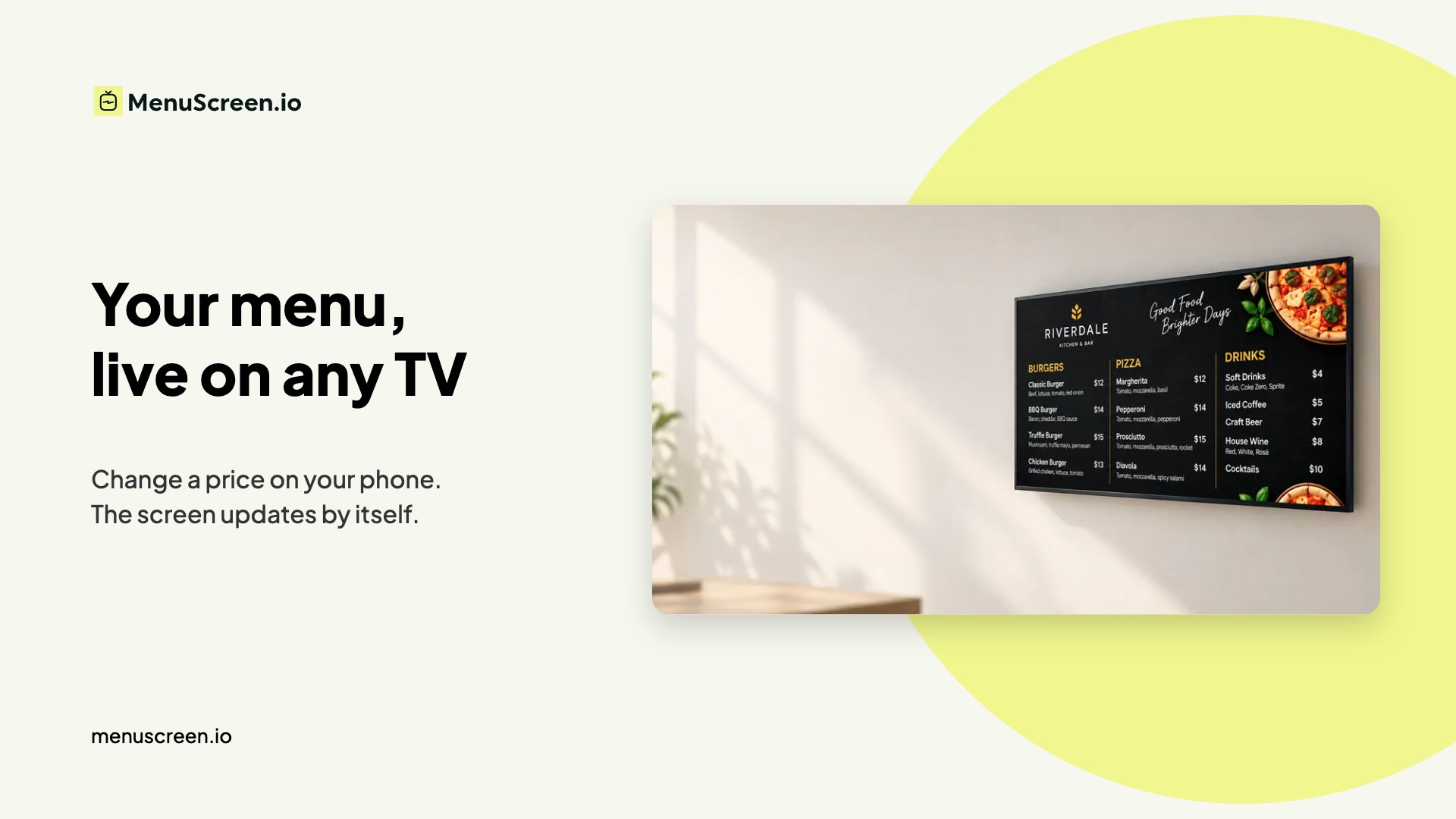
Why restaurants look for an OptiSigns alternative
- Logo on the free plan. The free plan (up to three screens) shows the OptiSigns logo, which many restaurants don’t want on their menu.
- Menus are designed by hand. Every new dish or longer name can mean moving text boxes around in the editor.
- Price per screen. Paid plans start at $10 per screen per month (Standard), or $9 billed yearly. Pro Plus is $15.
- Too many options. Apps, playlists and zones are powerful, but they add steps when all you need is to change a price.
Quick comparison
| Software | Best for | Starting price | Free option |
|---|---|---|---|
| MenuScreen | Menu boards without design work | $6 per screen/month | 14-day free trial |
| Yodeck | One free screen and general signage | $8 per screen/month | Free plan, 1 screen |
| ScreenCloud | Multi-location brands and integrations | See vendor website | Free trial |
| Kitcast | Simple signage on Apple TV | From $7 per screen/month | Free trial |
| Design tools (Canva and others) | Restaurants that also print menus | Varies | Often free tiers |
1. MenuScreen
Best for: restaurants, cafés and takeaways whose screens show the menu.
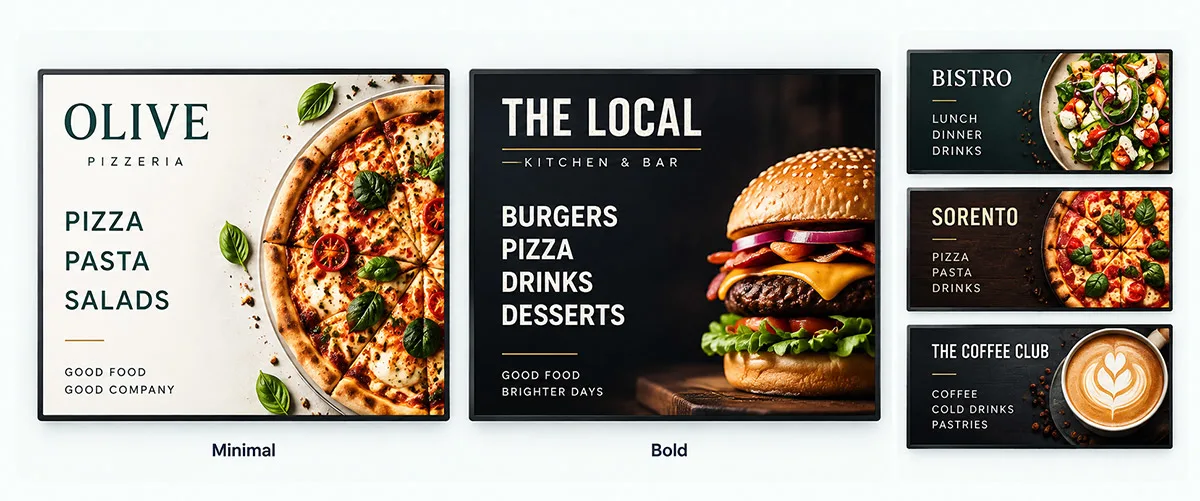
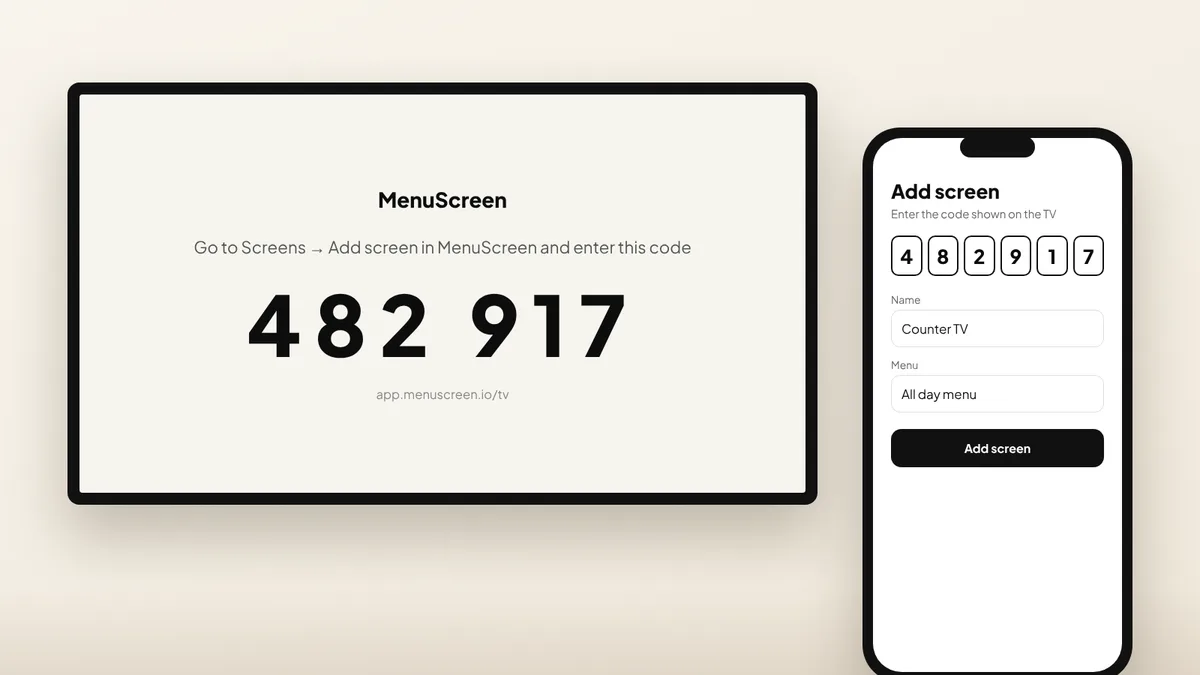
MenuScreen starts with your menu, not a blank canvas. You type categories, dishes and prices, choose one of seven templates, and the layout builds itself. There is no MenuScreen logo on your board. You connect a TV by scanning a QR code on it with your phone, and change prices or mark dishes sold out from your phone.
Restaurant features are included: breakfast, lunch and dinner scheduling, happy hour prices, several prices per dish, dish photos, the 14 EU allergens and a QR code menu for your tables.
Compared with OptiSigns: cheaper per screen ($6 vs $10) and much faster to update a menu, but it only does menus. No apps, video playlists or dashboards, and no free-forever plan.
2. Yodeck
Best for: one free screen, or one platform for menus and other content.
Yodeck is a general signage platform with a free plan for one screen and paid plans from $8 per screen per month. Annual plans include a player. Like OptiSigns, menus are designed in an editor. See our Yodeck alternatives guide.
3. ScreenCloud
Best for: chains that need central management and integrations across many locations.
ScreenCloud has a large app ecosystem, dashboards and menu board features for restaurant brands. Check ScreenCloud’s website for current prices in your currency.
4. Kitcast
Best for: businesses that already use Apple TV.
Kitcast runs signage on Apple TV with menu board templates, from $7 per screen per month according to Kitcast.
5. Design tools such as Canva
Best for: restaurants that also print menus and want full creative control.
You design freely and export an image or video for the TV. Every price change means editing and exporting again.
When OptiSigns is still the better choice
- You want up to three free screens and don’t mind the logo.
- Your screens show much more than the menu: apps, live data, social media or interactive kiosks.
- You need enterprise features such as SSO, proof of play or approval workflows.
You can also combine them: keep OptiSigns for general signage and add your MenuScreen menu as a website app. Every MenuScreen menu has a direct link for signage players.
How to switch from OptiSigns to MenuScreen
- Start a free trial and choose your type of business. MenuScreen creates a starter menu you can edit.
- Type in your dishes and prices. Add several prices per dish where you need sizes.
- Pick a template and add your logo and colors.
- Open app.menuscreen.io/tv on the TV and scan the QR code with your phone, or add the MenuScreen direct link to your OptiSigns player.
For a wider overview, see the best digital menu board software and our digital menu board cost guide.
FAQ
Questions about OptiSigns alternatives
What is the best OptiSigns alternative for restaurants?
If your screens mainly show a menu, a menu-first tool like MenuScreen is the simplest: you type the menu and the layout builds itself, from $6 per screen per month and with no logo on your board. For general signage, Yodeck and ScreenCloud are the closest alternatives.
Is OptiSigns free?
OptiSigns has a free plan for up to three screens with basic apps and the OptiSigns logo on screen. The Standard plan costs $10 per screen per month, or $9 billed yearly.
Can I use MenuScreen with OptiSigns?
Usually yes. Every MenuScreen menu has a direct link that most signage platforms can show as a web page, so the menu updates inside your existing OptiSigns playlist.
Try the menu-first alternative
Put your menu on a TV in minutes. Try MenuScreen free for 14 days, no credit card required.